Homebrew
The Missing Package Manager for macOS (or Linux)
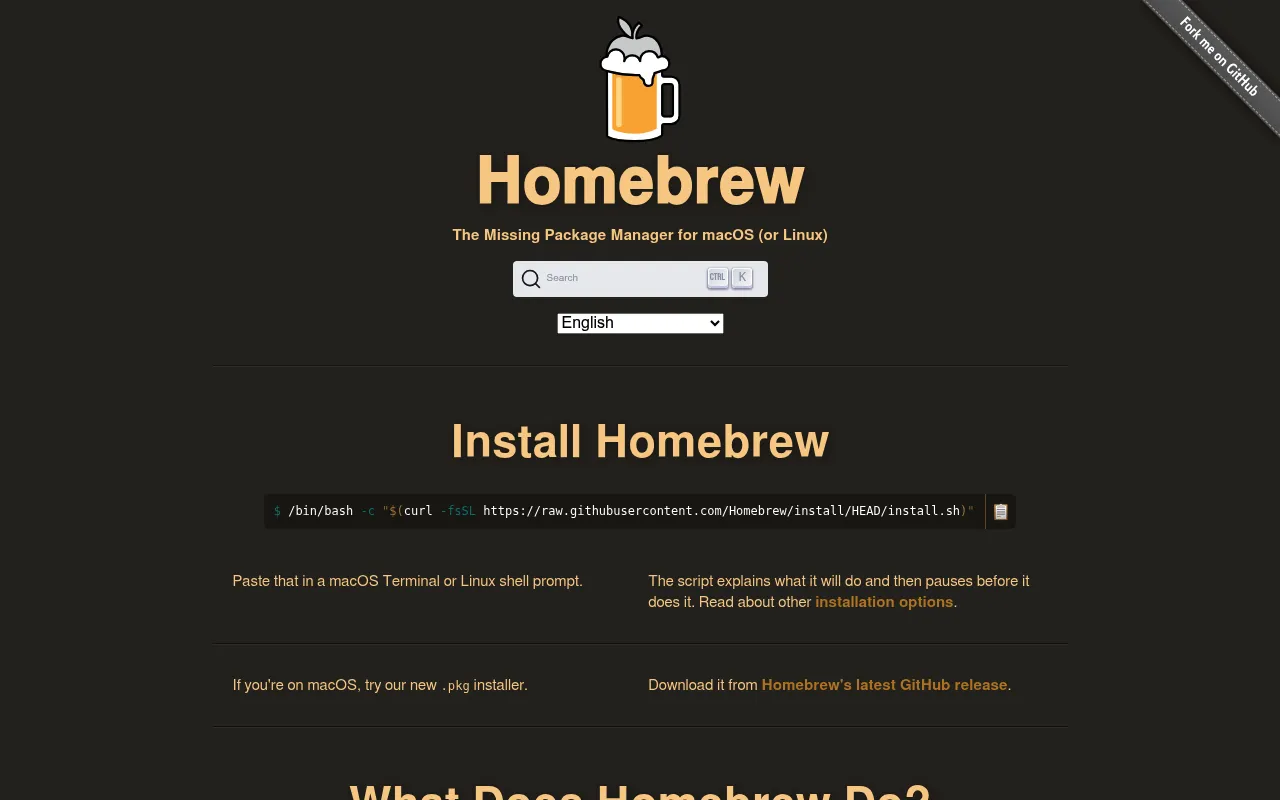
Homebrew is an open-source package manager for macOS and Linux that allows users to install, manage, and remove software packages from the command line. It installs packages into their own isolated directories and symlinks them into a common prefix, keeping the system clean. It also supports installing macOS GUI applications via Homebrew Cask.
Users run a one-line shell script to install Homebrew, then use the `brew install` command to download, build, and symlink packages on their system.
developers and power users on macOS or Linux
Background.
- Status
- launched
- Business model
- open-source
Similar projects.
Editorial take on the space this project sits in — momentum signals, adjacent moves, our call on whether the wedge is real. Get pinged when we publish a new read or when the landscape shifts.
Have a take on this space?
Tell us what you’d build differently, where you think the incumbents miss, or what we’ve gotten wrong about this project. Comments + reactions are coming soon.